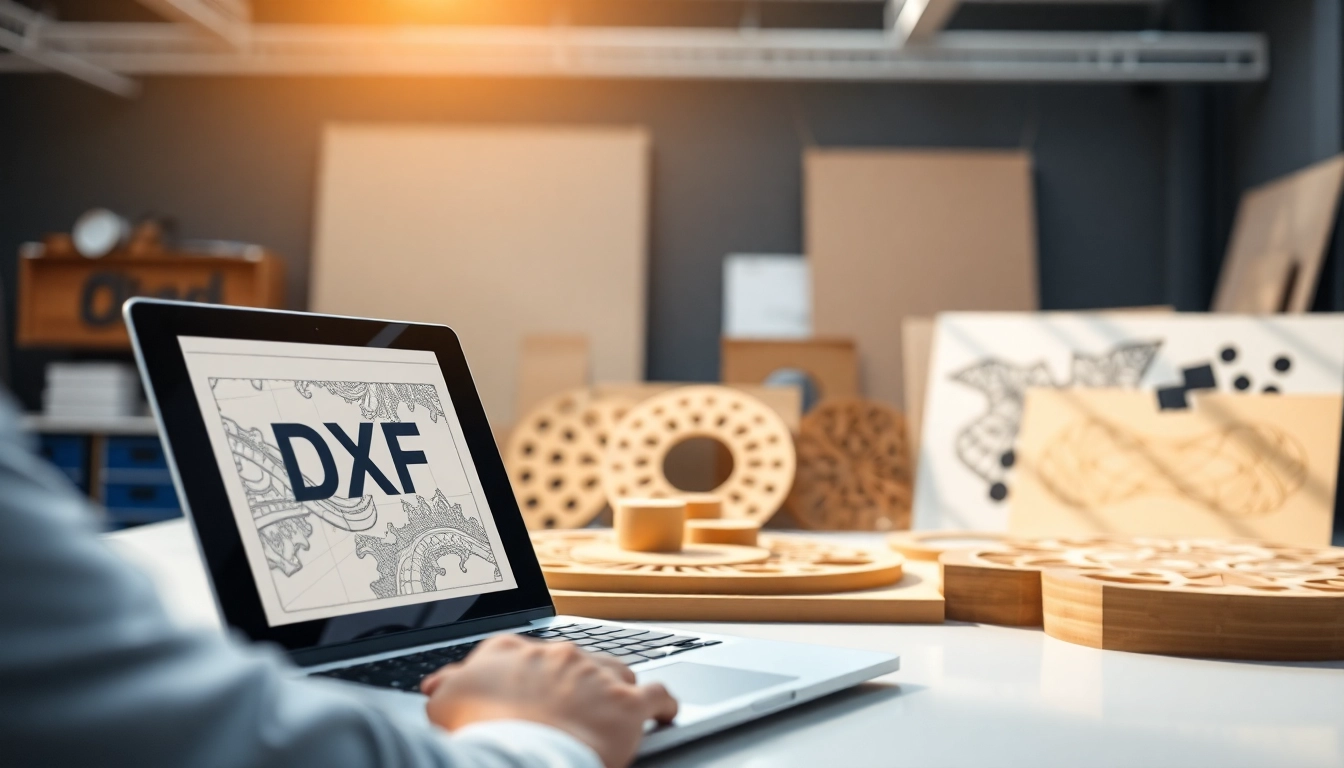
Laser cutting technology has become a cornerstone in a variety of industries, from manufacturing to custom art projects. One of the critical elements in maximizing the use of laser cutting equipment is understanding the technical format of designs, particularly the dxf file for laser cutting. This article delves into how DXF files work, their importance, and best practices for their utilization.
Understanding the Basics of dxf File for Laser Cutting
What is a DXF File?
A Drawing Exchange Format (DXF) file is a proprietary file format developed by Autodesk for enabling data interoperability between AutoCAD and other software applications. The DXF format contains vector graphics, which represent designs through lines, arcs, and curves, making it a popular choice for laser cutting. Unlike raster images, which are grid-based and pixelated, DXF files retain their quality regardless of scaling, which significantly benefits precision cutting applications.
Importance of DXF Files in Laser Cutting
DXF files are crucial in laser cutting due to their ability to convey intricate design details to the cutting machine. Laser cutters use the vector paths specified in the DXF file to execute cuts accurately. This format not only ensures high fidelity in reproducing complex designs but also facilitates compatibility across various CAD software. Additionally, DXF files can store layers, which allows operators to define different cutting depths and processes within the same file, optimizing workflow efficiency.
Common Software for Creating DXF Files
Creating DXF files requires the use of CAD (Computer-Aided Design) software that supports this file format. Some popular options include Autodesk AutoCAD, Adobe Illustrator, CorelDRAW, and Inkscape, an excellent free alternative. These tools provide design features that allow users to develop intricate and precise designs that can be converted to DXF files with ease.
Preparing Your Designs for Laser Cutting
Design Guidelines for Effective Cuts
When prepping your designs for laser cutting, it’s vital to consider specific guidelines to enhance the cutting process. Simplified designs are often best, as excessive details can lead to complications during cutting. Utilizing a continuous line structure can prevent unnecessary stops or starts, which can cause inconsistencies. Additionally, ensuring that all elements are closed paths is essential for the machine to properly interpret where to cut.
Optimizing Your DXF Files for Laser Performance
Optimization is key to ensuring that your DXF files yield the best laser cutting results. Aspects such as the correct scaling, path alignment, and line weight need to be adjusted based on the material being used. For example, different materials require different power settings and speeds; therefore, organizing your layers by material type can provide clarity and simplify the cutting process. Additionally, utilizing vector paths as opposed to rasterized elements is essential for laser machines to function effectively.
Common Mistakes to Avoid
When creating DXF files, certain missteps can hinder the cutting process. One frequent mistake is neglecting to convert all text to curves or outlines, which can lead to errors in rendering the design. Additionally, failing to check for overlapping paths can cause the laser to cut out unintended areas, compromising the final product integrity. Always review your settings and perform test cuts on scrap material to mitigate potential setbacks.
Best Practices for Using DXF Files in Projects
Choosing Materials for Your Projects
The material selection is paramount in achieving quality laser-cut results. Materials such as plywood, acrylic, and cardboard are popular due to their versatility and cutting ease. Each material behaves differently under laser interaction; hence understanding the settings for speed and power specific to the material type is vital. Additionally, performing tests with new materials can help refine your cutting parameters.
Customizing Your Designs
To stand out in your projects, consider customizing your designs. This can involve adjusting dimensions, experimenting with layered designs, or incorporating unique shapes. Adding custom engravings or personal branding through DXF files allows for enhanced recognition of your work while ensuring functionality. The flexibility offered by DXF files makes them ideal for tailoring designs specifically to project requirements and personal style.
Measuring Precision and Accuracy
Precision is crucial in laser cutting applications. To ensure your measurements are correct, always use CAD software to analyze the proportions and dimensions of your DXF files. Keeping a clear and structured layout helps maintain accuracy, especially for projects that involve multiple components. Regular calibration of your cutting machine can help maintain high precision levels throughout projects.
Advanced Techniques with DXF Files
Layering and Texturing in Designs
Advanced design techniques can elevate your projects beyond basic cuts. Layering allows for the creation of depth and dimension, making designs more visually appealing. Using different material thicknesses and colors can enrich the textural quality of your final product. When working in your DXF file, clearly differentiate layers for different materials, cuts, and engravings to streamline your workflow and maximize aesthetic appeal.
Integrating Multiple Materials
To achieve unique and striking outcomes, consider integrating multiple materials into your projects. For instance, pairing acrylic with wood can provide a striking contrast that draws attention. Managing a DXF file that incorporates multiple materials requires careful planning and organization, ensuring each layer corresponds correctly to its respective material. This integration enhances both design complexity and execution quality.
Using Software Add-ons for Enhanced Functionality
Many CAD software platforms allow for add-ons or plugins which can expand their functionality for better DXF file handling. Utilizing these add-ons can facilitate advanced design features, improve workflow, and offer tools for error detection within your files. Exploring software updates and community recommendations can greatly enhance your design process and cutting outcomes.
Frequently Asked Questions About DXF Files
What types of materials can I cut with laser using DXF files?
You can cut various materials including wood, acrylic, paper, cardstock, and even some metals like aluminum or brass, depending on the power of your laser.
Can I convert other file types to DXF for laser cutting?
Yes, other file types like SVG, AI, and PDF can often be converted to DXF files using specific software tools or plugins designed for that purpose.
How do I troubleshoot issues with my DXF files?
Common troubleshooting steps include checking for overlapping paths, ensuring all lines are closed, validating units of measure, and confirming layer settings are accurate for your materials.
Are there specific software recommendations for beginners?
For beginners, platforms like Inkscape for design and AutoCAD for more professional work are popular. They provide sufficient tools for creating DXF files.
What is the best way to export my designs as DXF files?
The best approach is to use the ‘Export’ function in your software, ensuring to select DXF as the format, and check settings for version compatibility with your laser cutter.